
Creative Coding Roadmap
Learn p5.js by building generative art, interactive sketches, animations and shaders.
A free collection of step-by-step tutorials designed to help you grow from your first sketch to advanced creative coding techniques.
Programming doesn't have to end with websites and apps.
Creative coding combines programming, mathematics and design to create interactive experiences, generative art, animations and visual experiments.
Whether you're a software developer discovering your artistic side or an artist curious about programming, this roadmap will guide you from your very first sketch to advanced generative art techniques.
What you'll learn
✅ Beginner-friendly tutorials
✅ Hands-on projects
✅ Interactive demos
✅ Complete source code
✅ Real-world creative coding techniques
✅ Free tutorials with optional premium content
Hi, I'm Alex 👋
I'm a software engineer who discovered creative coding as a way to combine programming with art.
On this site I document what I learn while building generative art, interactive sketches and shaders.
This roadmap brings together the tutorials I'd recommend if I were teaching someone from scratch.
Why Learn Creative Coding?
Creative coding is one of the most rewarding ways to learn programming.
Instead of building another to-do app or CRUD project, you'll create artwork, simulations and interactive experiences that are fun to build and exciting to share.
Along the way you'll naturally learn:
- JavaScript
- p5.js
- Mathematics for graphics
- Animation
- Geometry
- Algorithms
- Generative Art
- GLSL Shaders
- Creative problem solving
My goal isn't just to show you code that works. Every tutorial explains why it works, so you can reuse the ideas in your own projects instead of copying solutions.
Every tutorial on AlexCodesArt focuses on building something beautiful while explaining the programming concepts behind it.
Your Learning Roadmap
Think of this page as your learning path.
Don't worry about mastering everything at once. Follow the stages in order and you'll gradually build the skills needed for advanced projects.
Stage 1 — Getting Started
Goal: You'll build your first interactive sketch and learn the core concepts used throughout the rest of the roadmap.
In this stage you'll learn:
- What creative coding is
- Installing and using p5.js
- The canvas
- Drawing basic shapes
- Colors
- Coordinates
- Your first animation
Recommended tutorials
 Alex Postolache
 Alex Postolache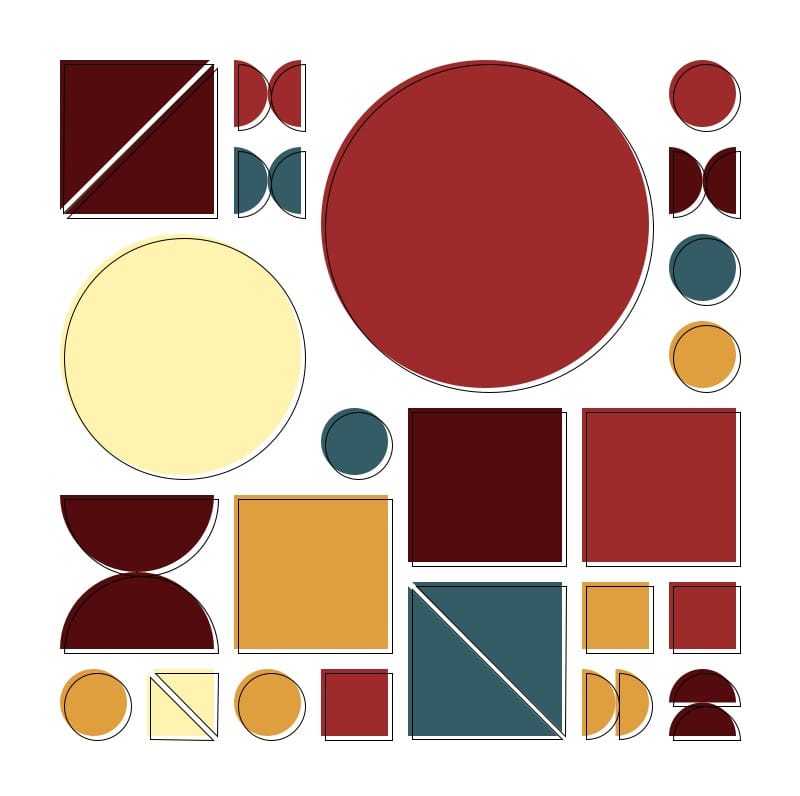
 Alex Postolache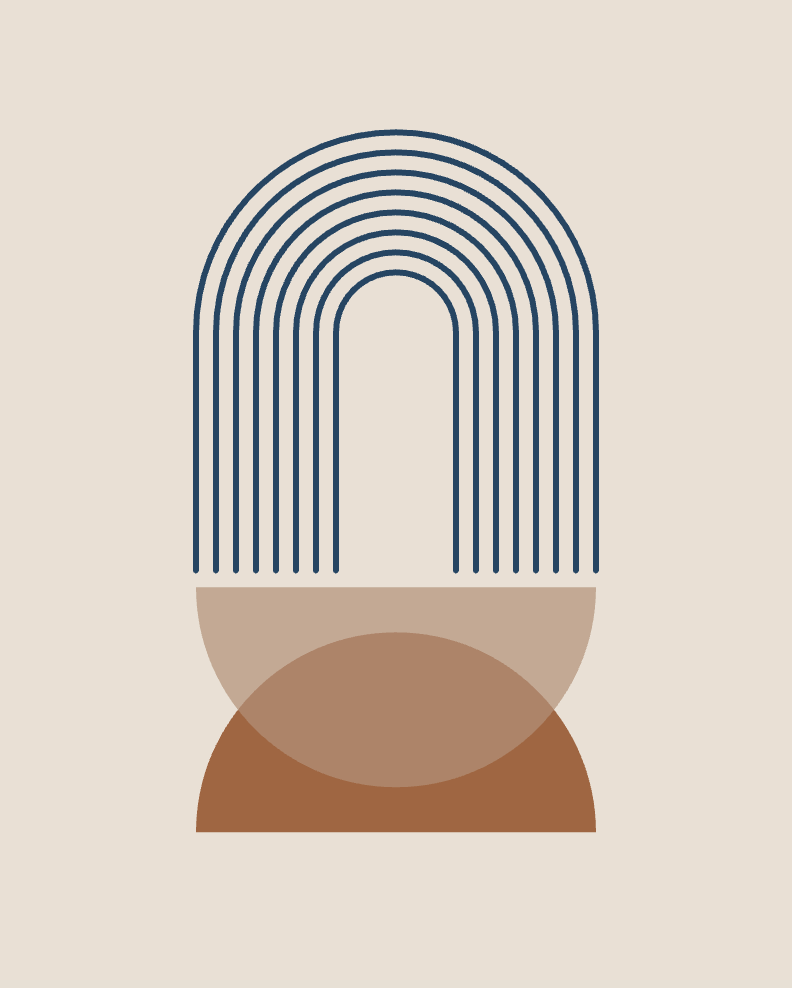
Stage 2 — Motion & Animation
Goal: Bring your artwork to life.
You'll learn:
- frameCount
- Time-based animation
- Smooth movement
- Easing
- Loops
- Animation principles
Recommended tutorials
 Alex Postolache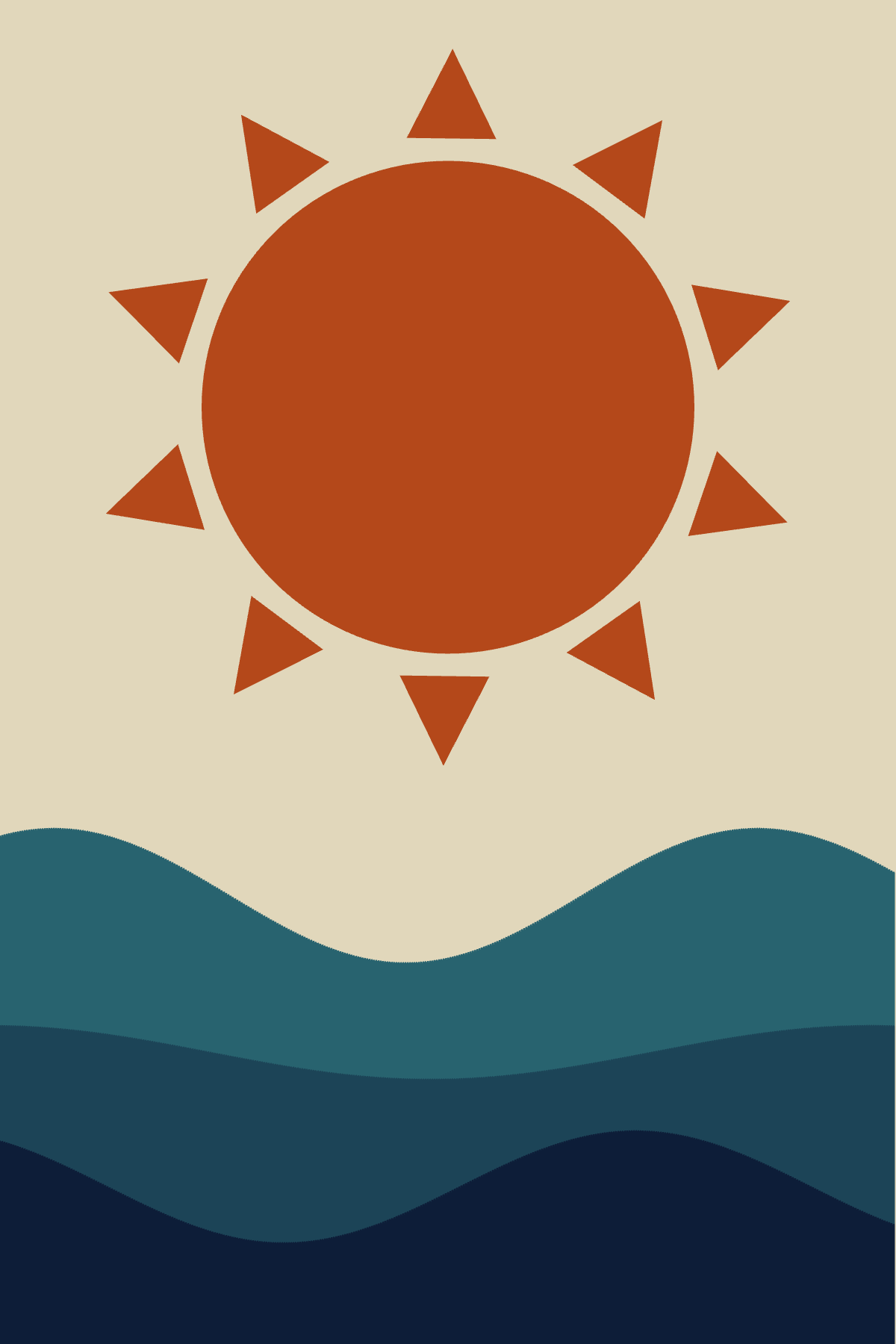
 Alex Postolache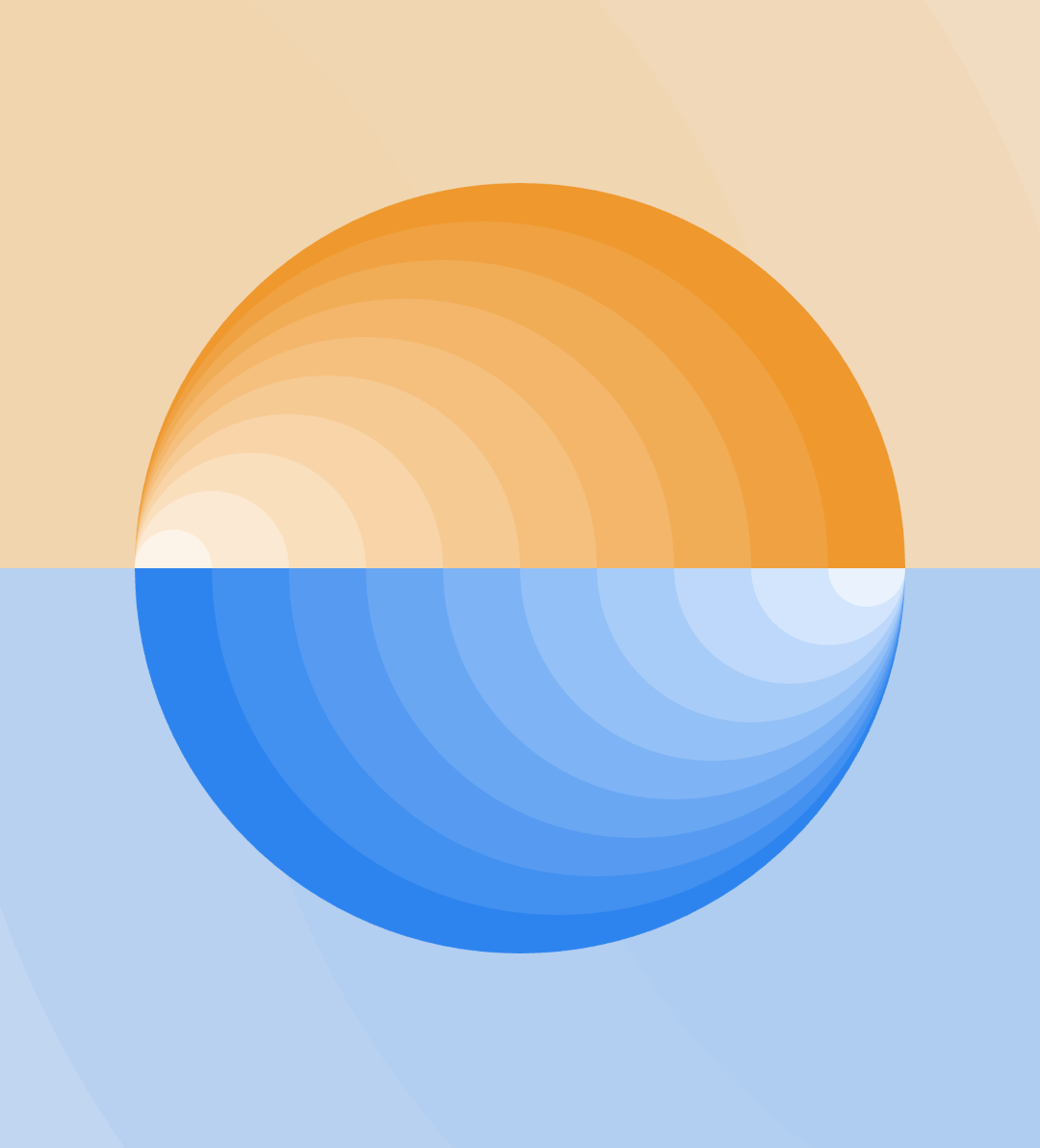
Stage 3 — Mathematics for Art
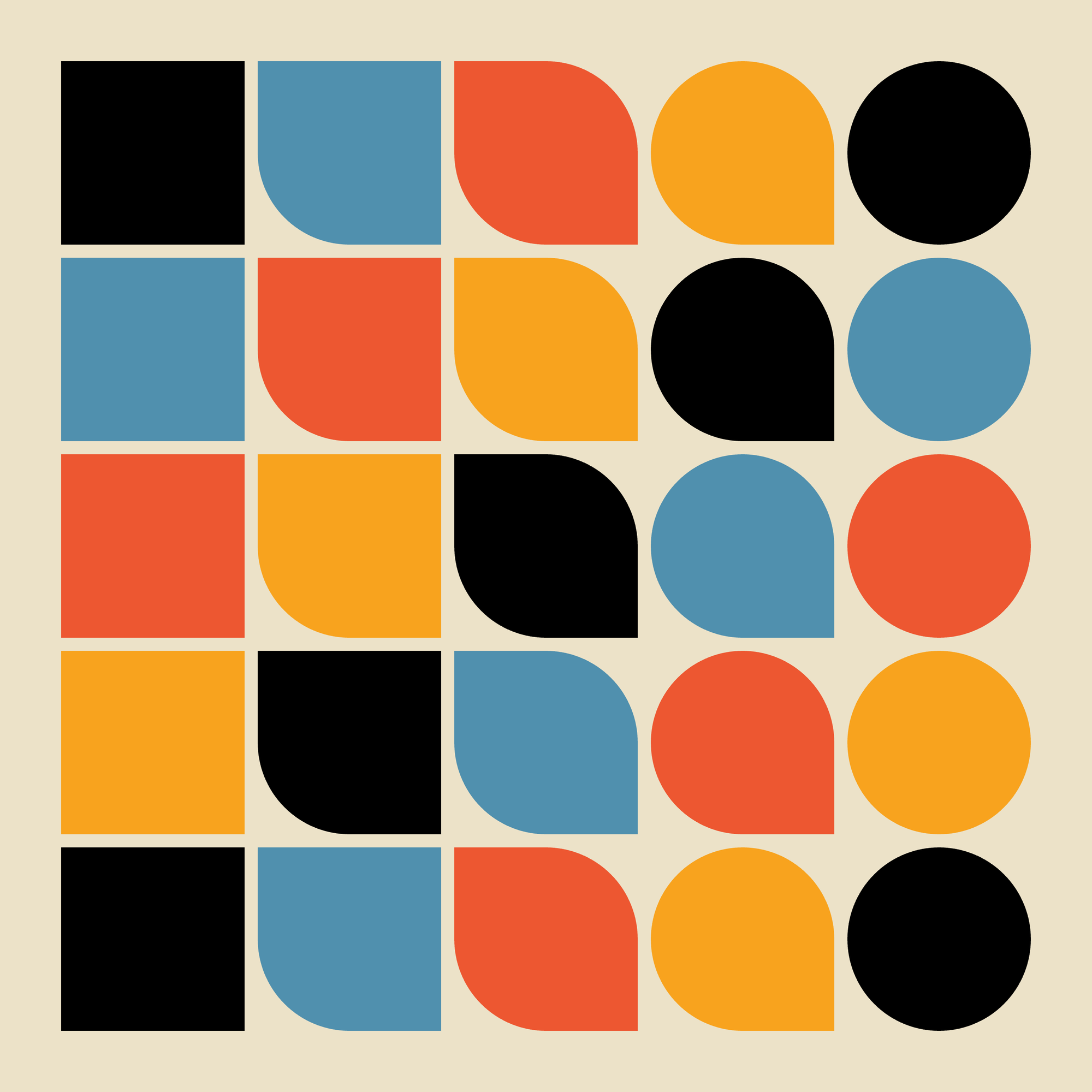
Goal: Learn the math behind beautiful visuals.
Don't worry—you don't need to love math.
Every concept is explained visually and immediately applied to artwork.
You'll discover:
- Trigonometry
- Polar coordinates
- Vectors
- Randomness
- Perlin Noise
- Interpolation
- Distance calculations
Recommended tutorials
 Alex Postolache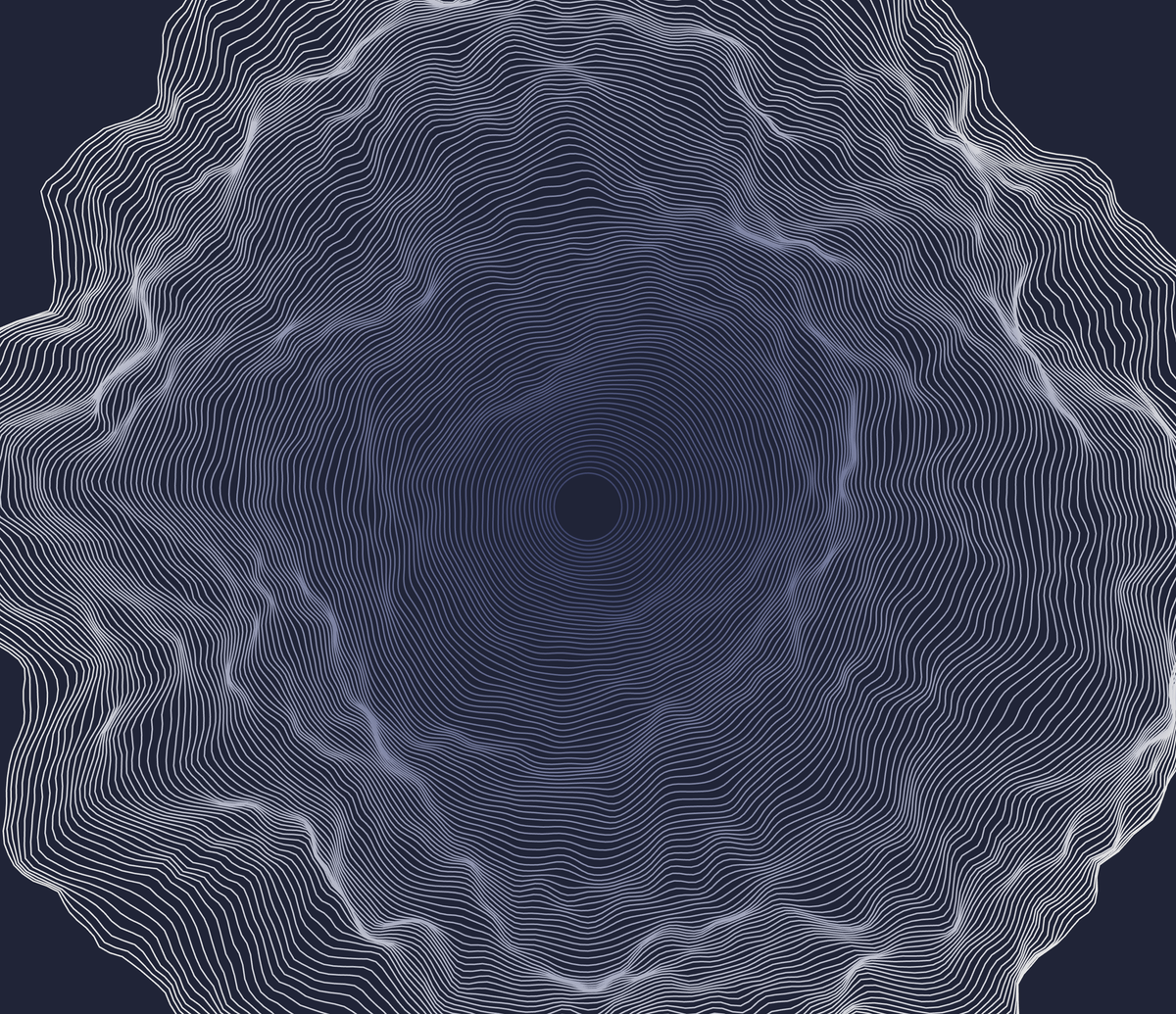
 Alex Postolache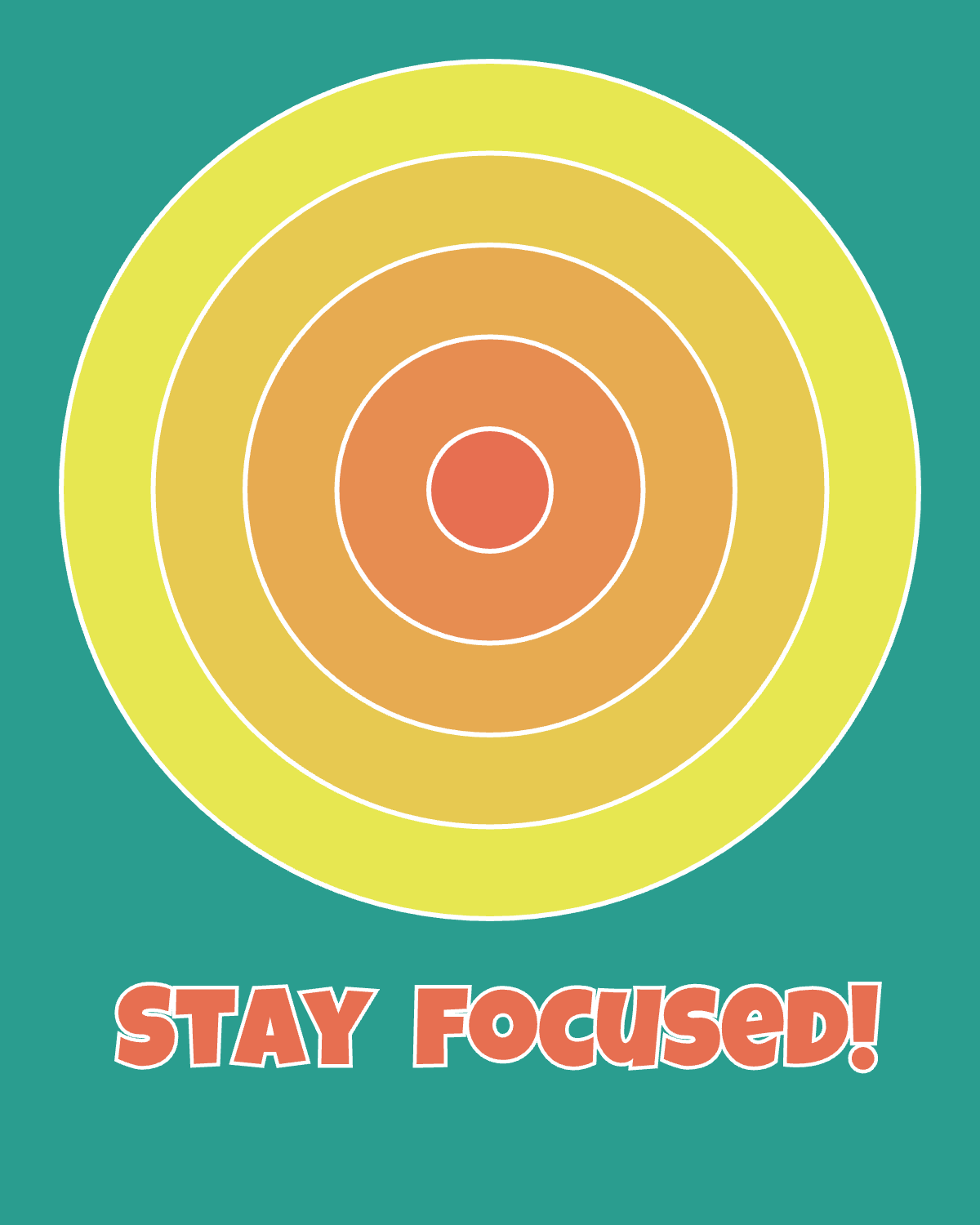
Stage 4 — Interaction
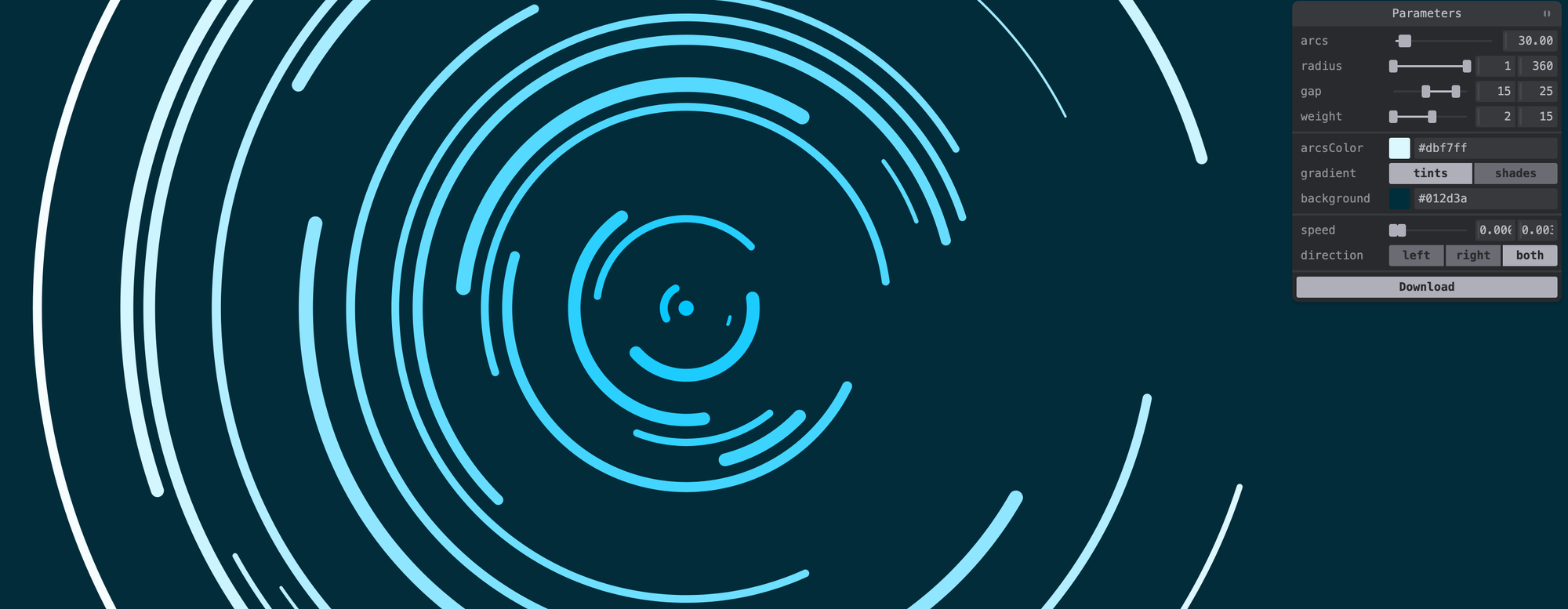
Goal: Create interactive experiences.
Learn how to make your artwork respond to users.
Topics include:
- Mouse interaction
- Keyboard input
- Touch controls
- Sliders
- Tweakpane
- User interfaces
Recommended tutorials
 Alex Postolache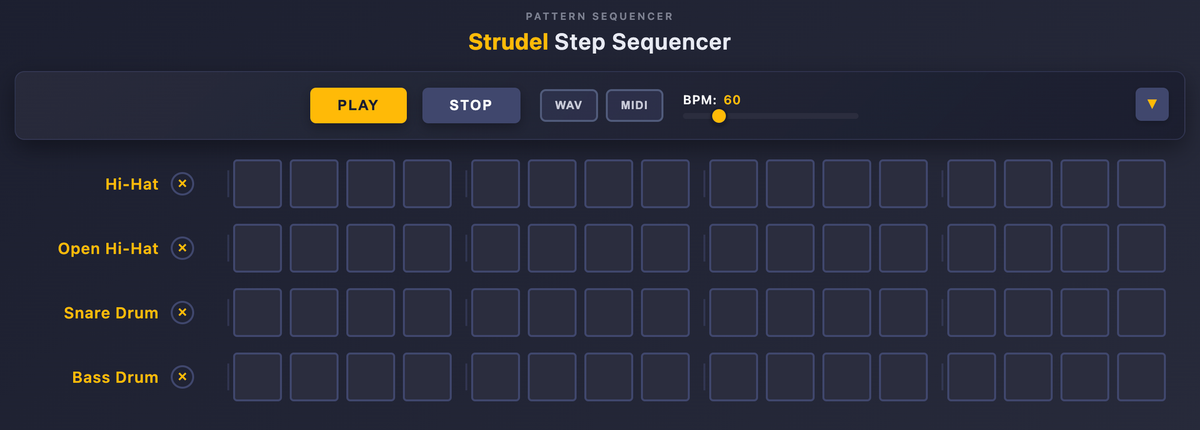
 Alex Postolache
Stage 5 — Generative Art
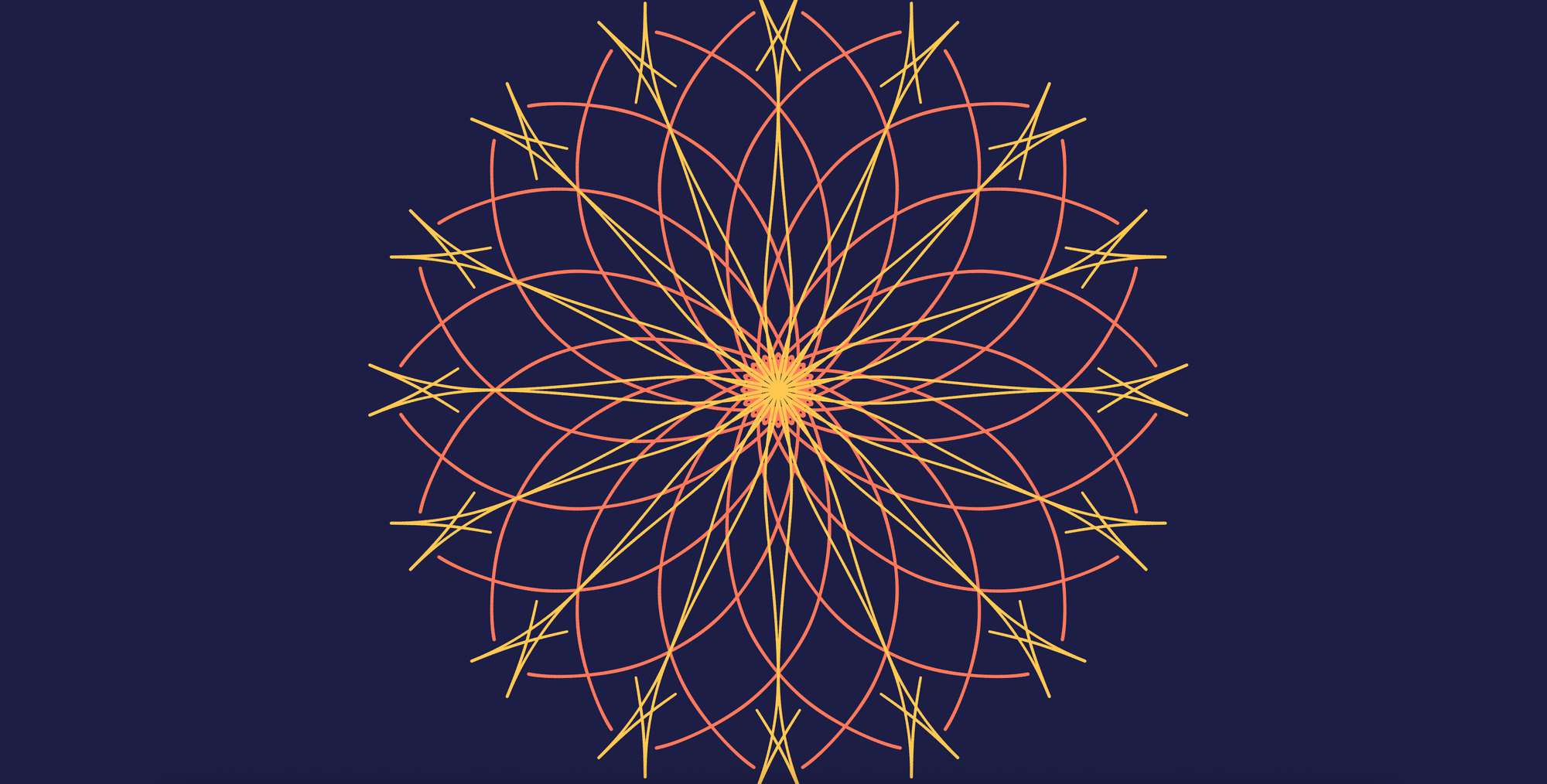
Now things become really fun.
You'll start creating artwork that feels organic, procedural and unique every time it runs.
Projects include:
- Mandalas
- Abstract compositions
- Pattern generation
- Procedural drawing
- Creative experiments
Recommended tutorials
 Alex Postolache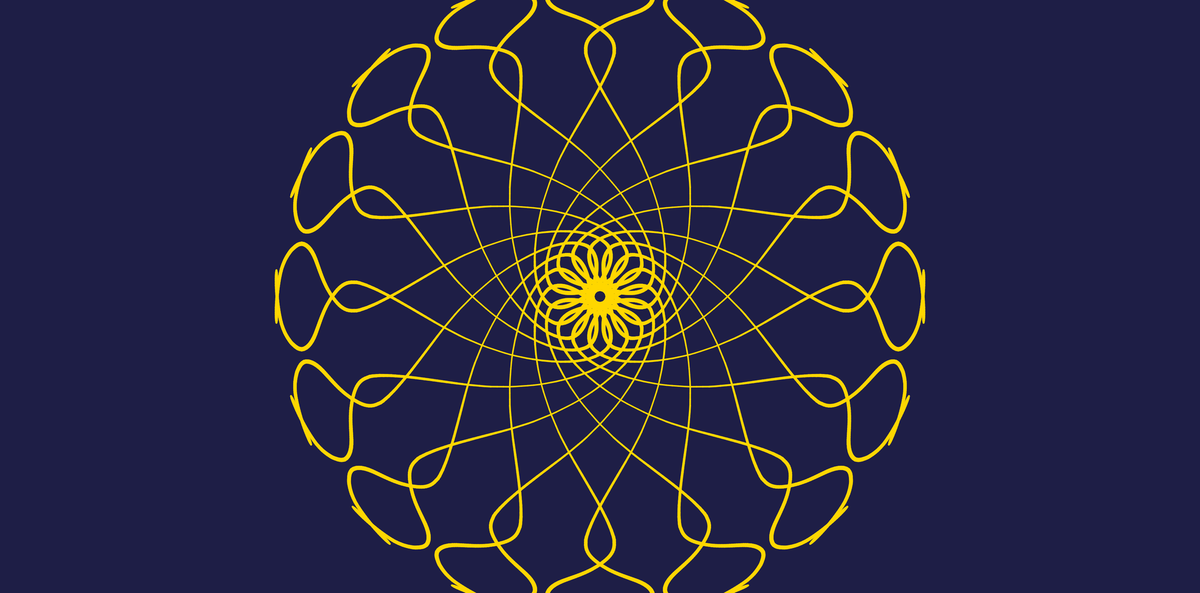
 Alex Postolache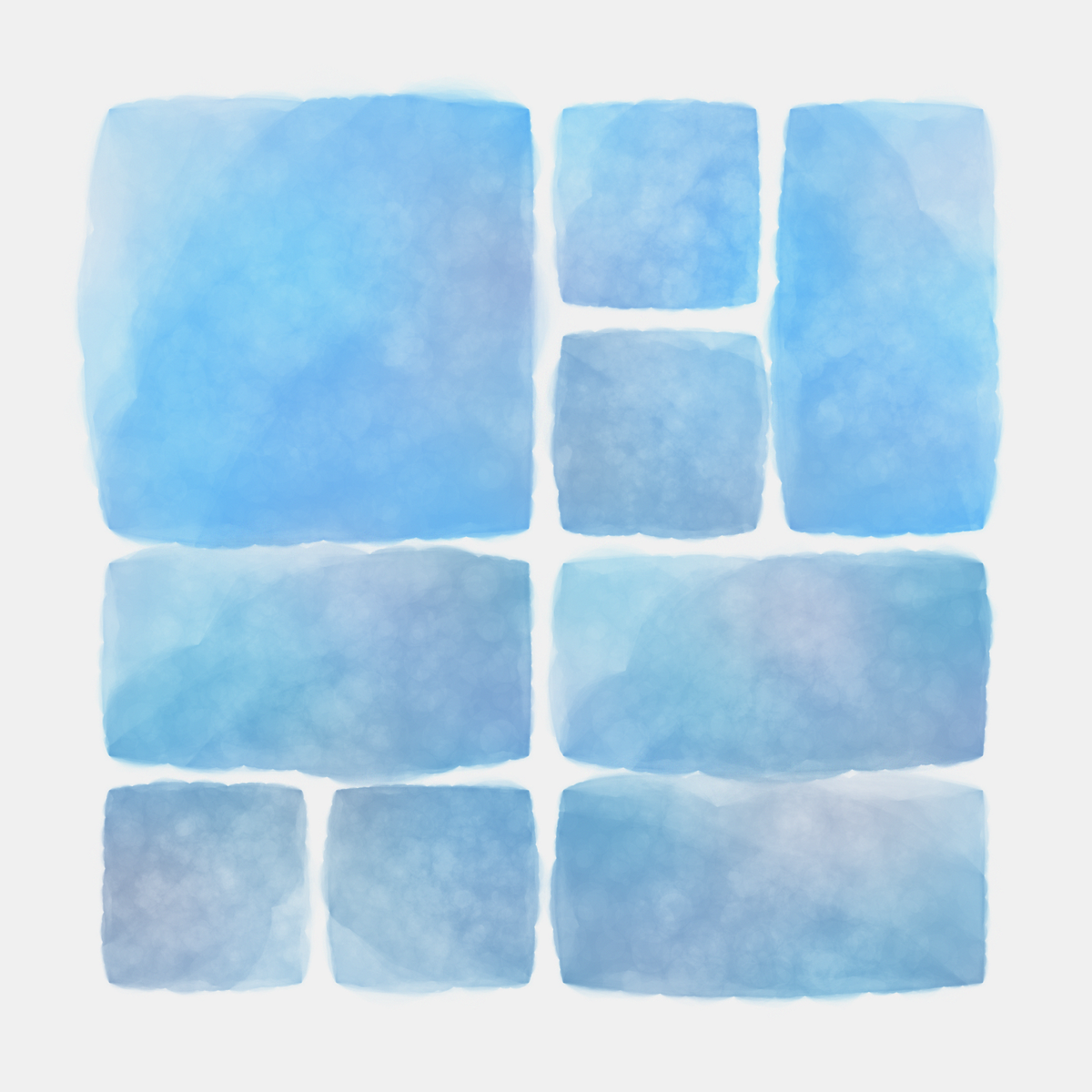
Stage 6 — Creative Algorithms
This is where programming and art truly meet.
You'll explore algorithms used by artists and game developers alike.
Topics include:
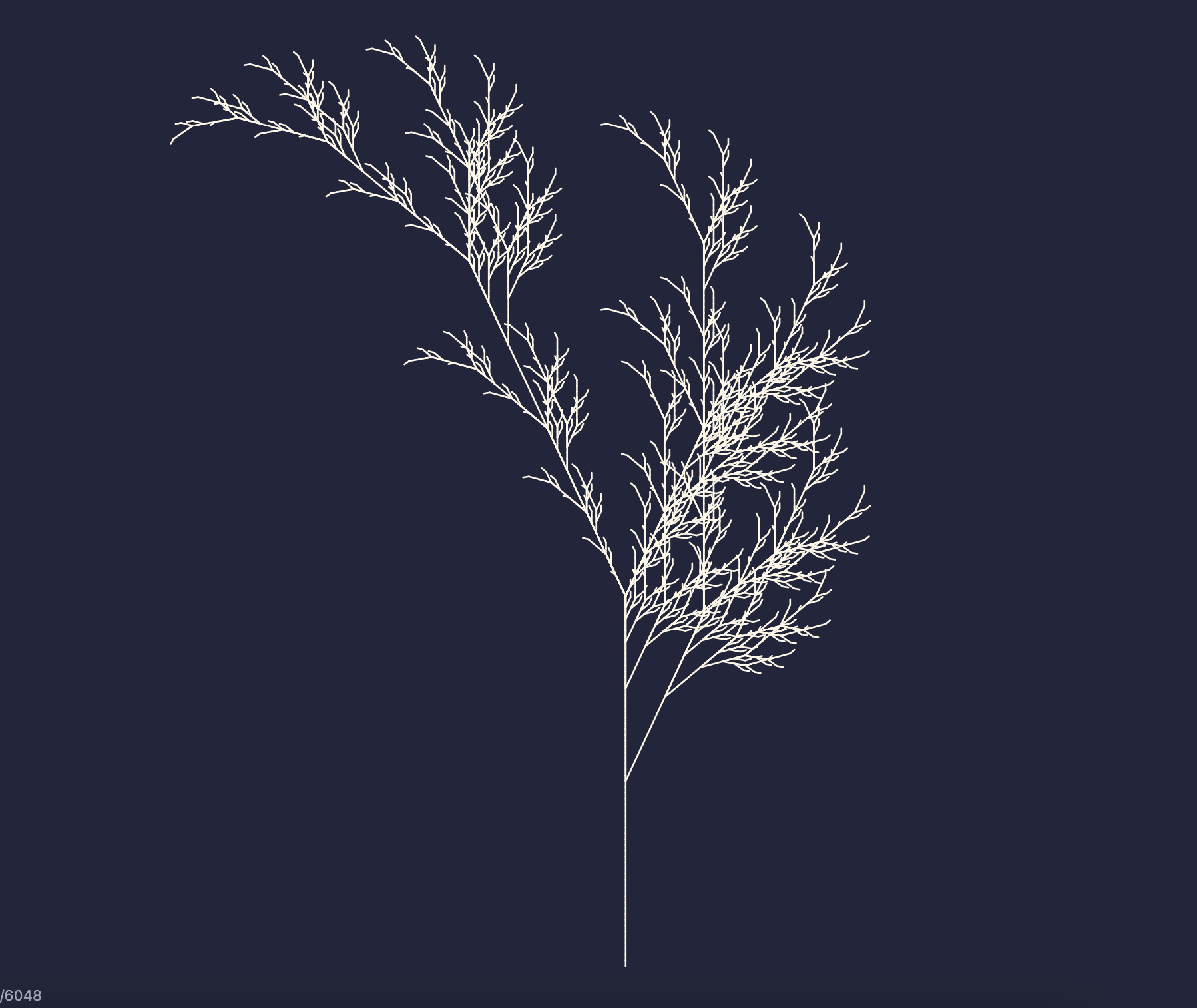
- L-Systems
- Metaballs
- Flow Fields
- Particle Systems
- Circle Packing
- Cellular Automata
- Recursive drawing
- Procedural generation
Recommended tutorials
 Alex Postolache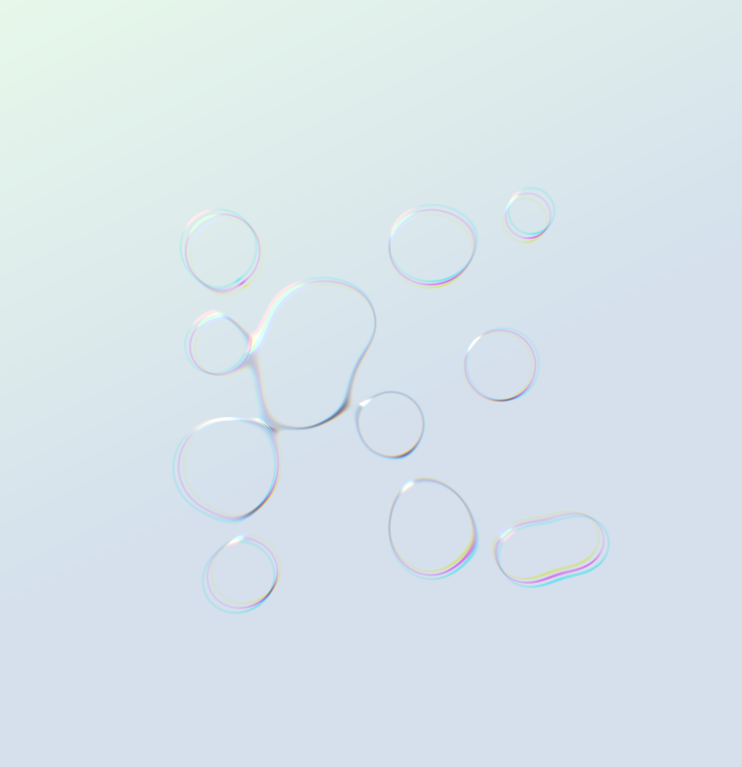
 Alex Postolache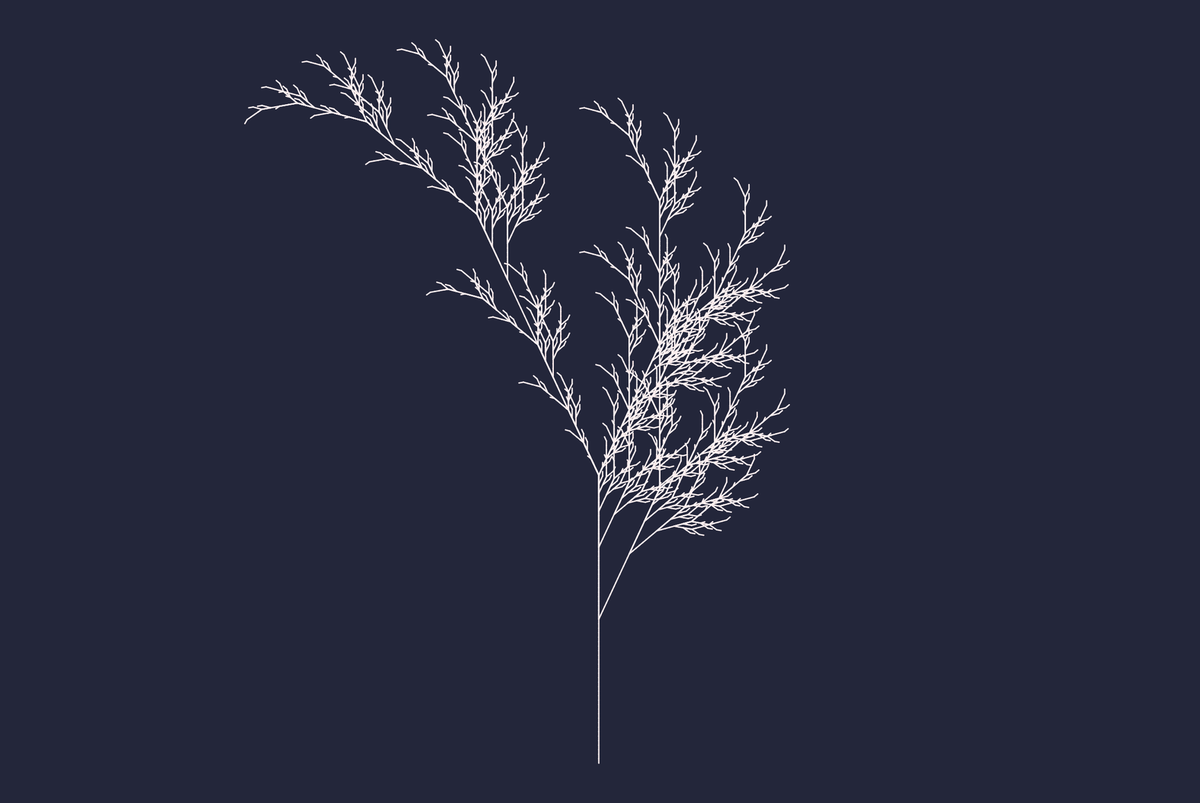
Stage 7 — GLSL & Shaders
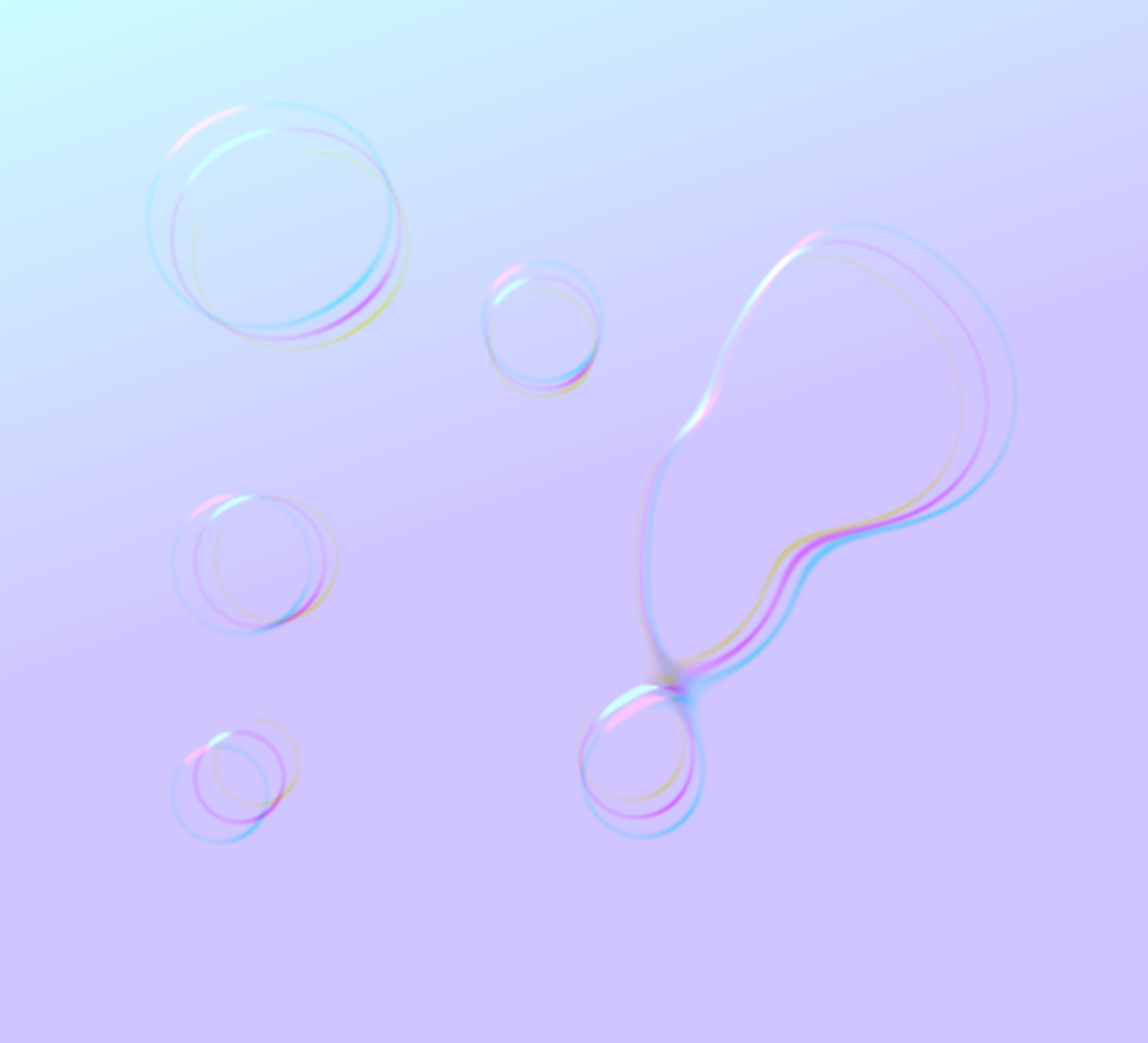
Ready to unlock the GPU?
Shaders let you create visuals that would be impossible or inefficient using standard JavaScript alone.
You'll learn:
- Fragment shaders
- Vertex shaders
- Distortion effects
- Liquid Glass
- Lighting
- Noise in GLSL
- GPU rendering
- Advanced visual effects
Recommended tutorials
 Alex Postolache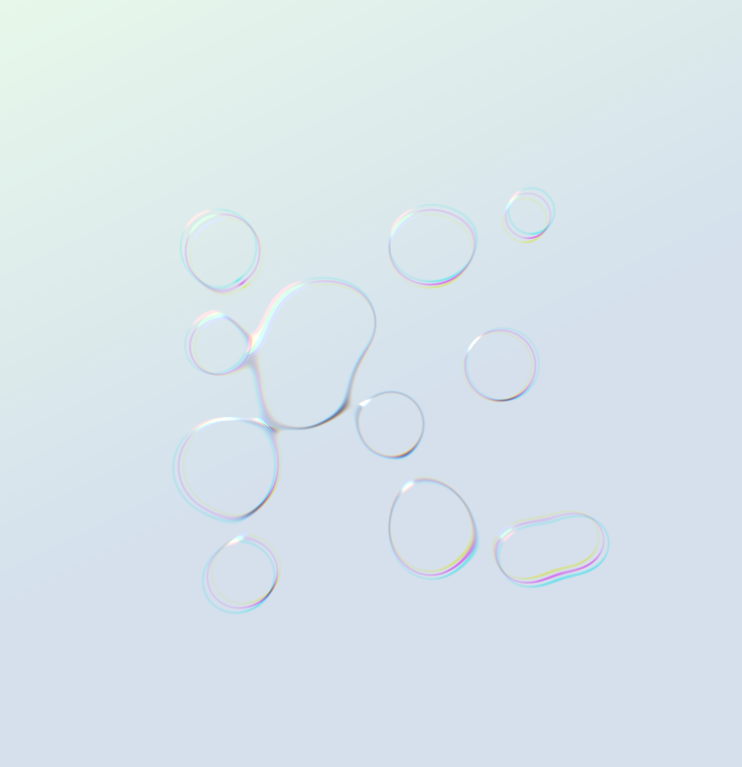
Stage 8 — Build Real Projects
Learning is most effective when you create complete projects.
Throughout your journey you'll build artwork such as:
- 🌸 Mandalas
- 💧 Metaballs
- 🎨 Watercolor Effects
- 🌿 L-System Trees
- 🌊 Shader Effects
- ✨ Interactive Sketches
- 🌀 Procedural Patterns
- 🎵 Audio Visualizations
These projects combine multiple concepts and will help you develop your own artistic style.
Join the Journey
Every few weeks I publish new tutorials, creative coding experiments and behind-the-scenes articles about building generative art with JavaScript and p5.js.
If you're interested in combining programming and creativity, I'd love to have you along for the journey.
Subscribe below and never miss a new tutorial. It's free!
Ready?
Start with Stage 1 and build your first creative coding sketch.
By the time you reach the final stages, you'll be creating artwork powered by mathematics, algorithms and shaders and you'll understand exactly how it works.
Happy coding! 🎨💻