
Drawing a Mandala with p5.js: Smooth Lines, Speed-Based Thickness & Tweakpane - Part 1

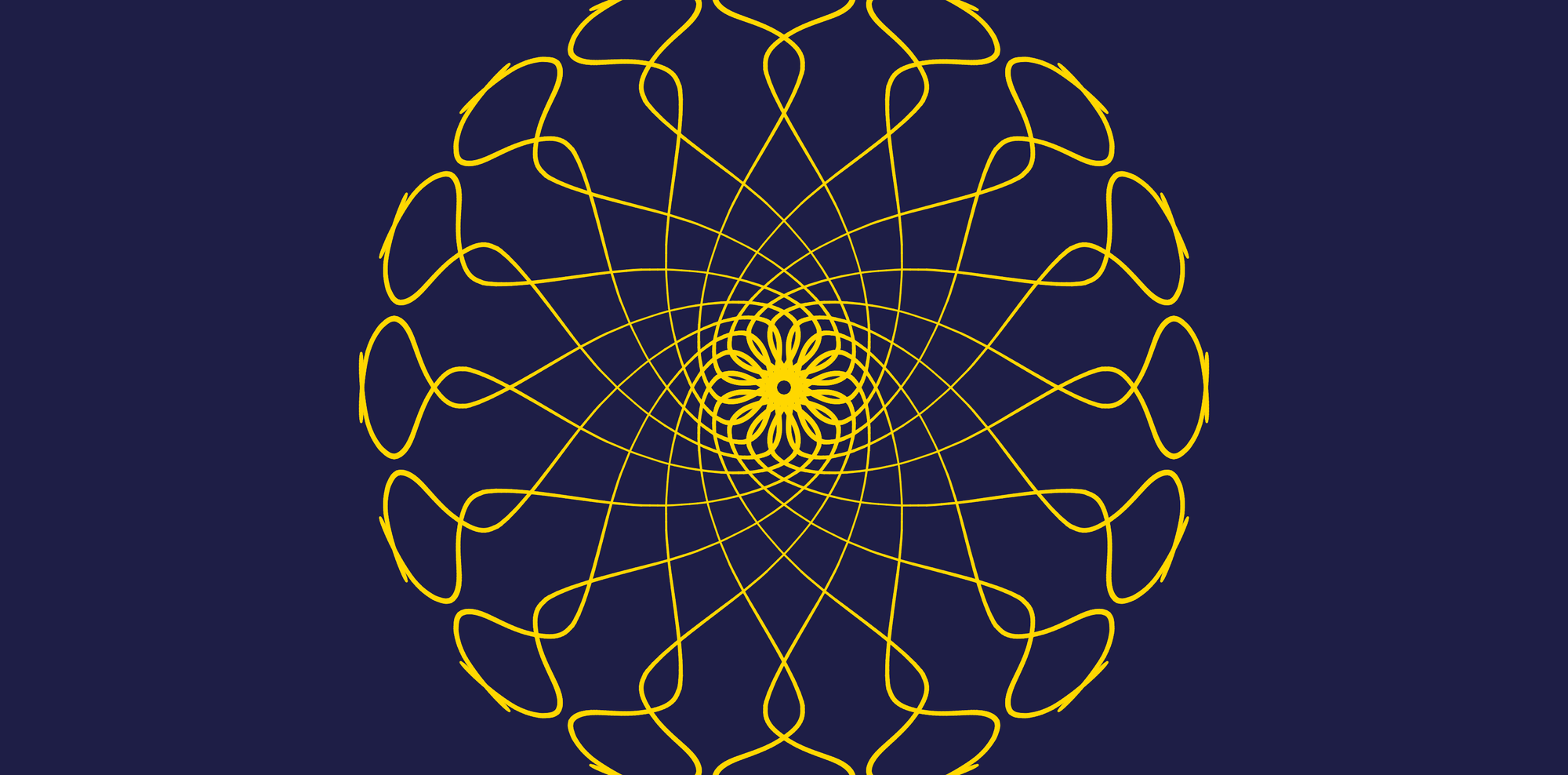
Hello friends, and welcome to another creative coding tutorial! Today we're going to build a mandala maker in the browser — you drag with the mouse, and every stroke is mirrored and rotated so you get kaleidoscope-like patterns in real time. We'll wire up symmetry, smoothing, velocity-based stroke thickness, and colors, all tweakable from a small Tweakpane panel.
This tutorial is perfect for beginners in creative coding who are curious about interactive drawing and a gentle intro to transforms in p5.js.
By the end of this article, you will:
- understand how radial symmetry works by rotating and mirroring each stroke around the center
- smooth mouse input with
lerp()so lines feel less jittery - map drawing speed to stroke weight with
map()andlerp() - add createGraphics() so we draw into an off-screen buffer and composite it each frame
- expose settings with Tweakpane folders for Motion and Colors
Before we dive into the code and the logic behind it, let's see what we are going to create and play around with it 😄
Let's dive in.