
Drawing a Mandala with p5.js: Fading Trails, Curvy Keys & Multi-Line Color - Part 2

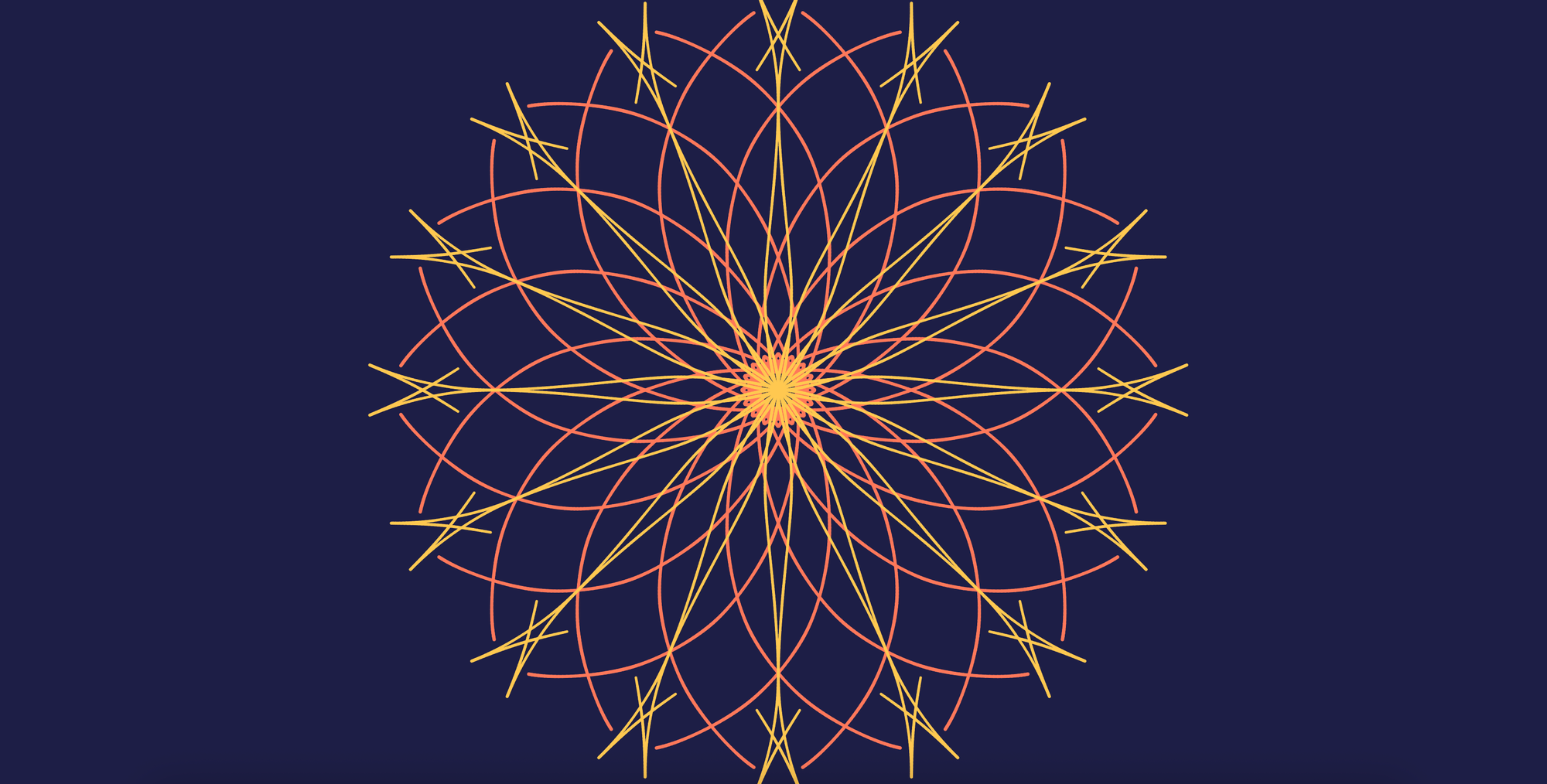
Hello and welcome back to another exciting tutorial! In part 1 we built a symmetrical mandala with smoothing, speed-based thickness, and Tweakpane.
Today we're leveling up that same foundation with three ideas:
- Fading trails — we remember recent segments and redraw them with transparency so older strokes gently disappear.
- Curvy drawing — hold
C(when enabled) and the stroke wanders on its own using noise() and a little sine pulse, release the button stop. - Multi-line keys — hold
1through9at the same time for parallel wandering lines, each with its own color in the panel.
This tutorial is perfect if you've followed part 1 or you're comfortable with createGraphics() and want to explore history, keyboard input, and Perlin-style motion.
By the end of this article, you will:
- store stroke history in an array and fade older segments by alpha and age
- toggle fade vs immediate drawing so you can compare behaviors
- drive a stroke from noise + trigonometry for organic curvy motion
- spawn multiple independent paths with
keyIsDown()and digit keys 1–9 - keep colors organized with a
multiLineColorsobject and Tweakpane pickers
Don't miss any new posts — become a member for free! It really helps me out, and I'd love to have you along. Thanks!
Let's dive in.