
Drawing a Mandala with p5.js: Web MIDI & Tempo-Driven Motion - Part 3

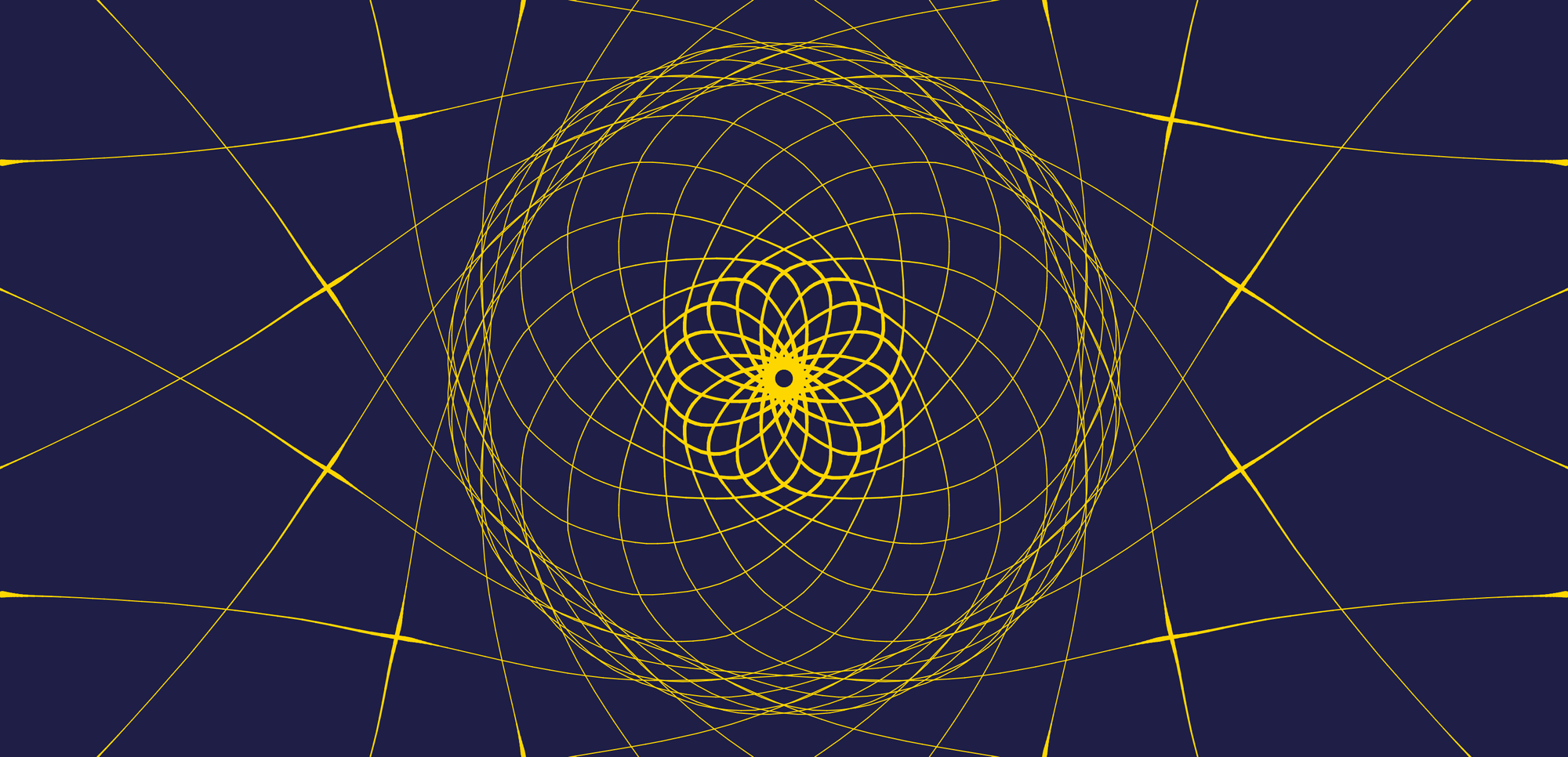
Hello and welcome back to another exciting tutorial about creative coding and generative art! In part 1 we built a symmetrical mandala with smoothing, speed-based thickness, and Tweakpane.
Drawing a Mandala with p5.js: Smooth Lines, Speed-Based Thickness & Tweakpane - Part 1
Hello friends, and welcome to another creative coding tutorial! Today we’re going to build a mandala maker in the browser — you drag with the mouse, and every stroke is mirrored and rotated so you get kaleidoscope-like patterns in real time. We’ll wire up symmetry, smoothing, velocity-based
 Alex Postolache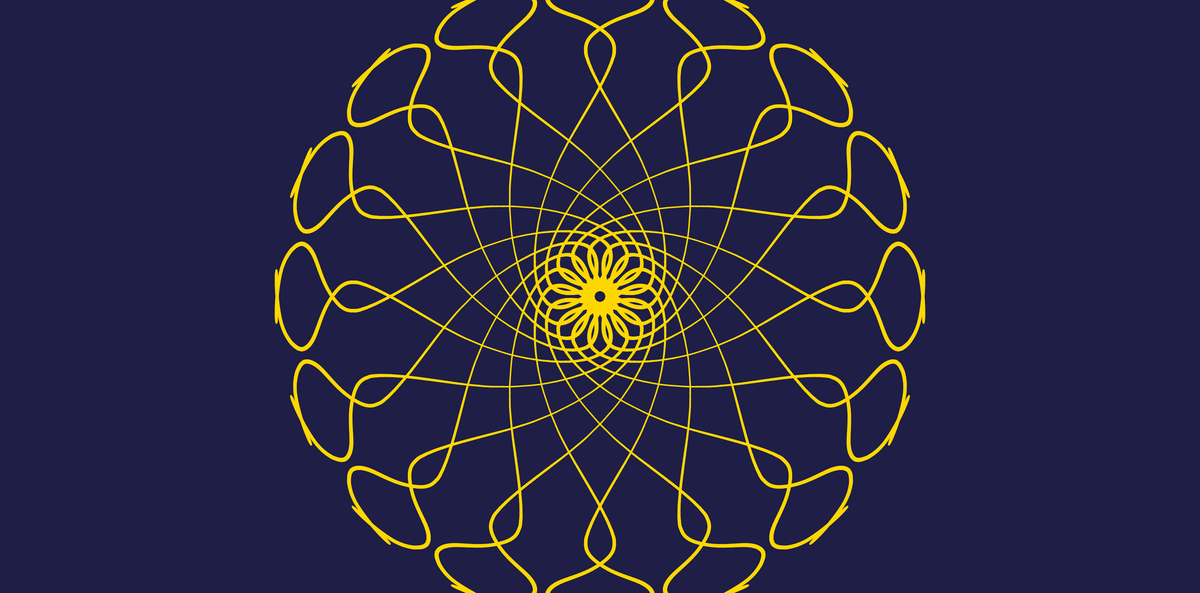
In part 2 we added fading trails, draw-with-keyboard auto-draw motion, and parallel colored lines on keys 1–9.
Drawing a Mandala with p5.js: Fading Trails, Curvy Keys & Multi-Line Color - Part 2
Hello and welcome back to another exciting tutorial! In part 1 we built a symmetrical mandala with smoothing, speed-based thickness, and Tweakpane. Today we’re leveling up that same foundation with three ideas: 1. Fading trails — we remember recent segments and redraw them with transparency so older strokes gently
 Alex Postolache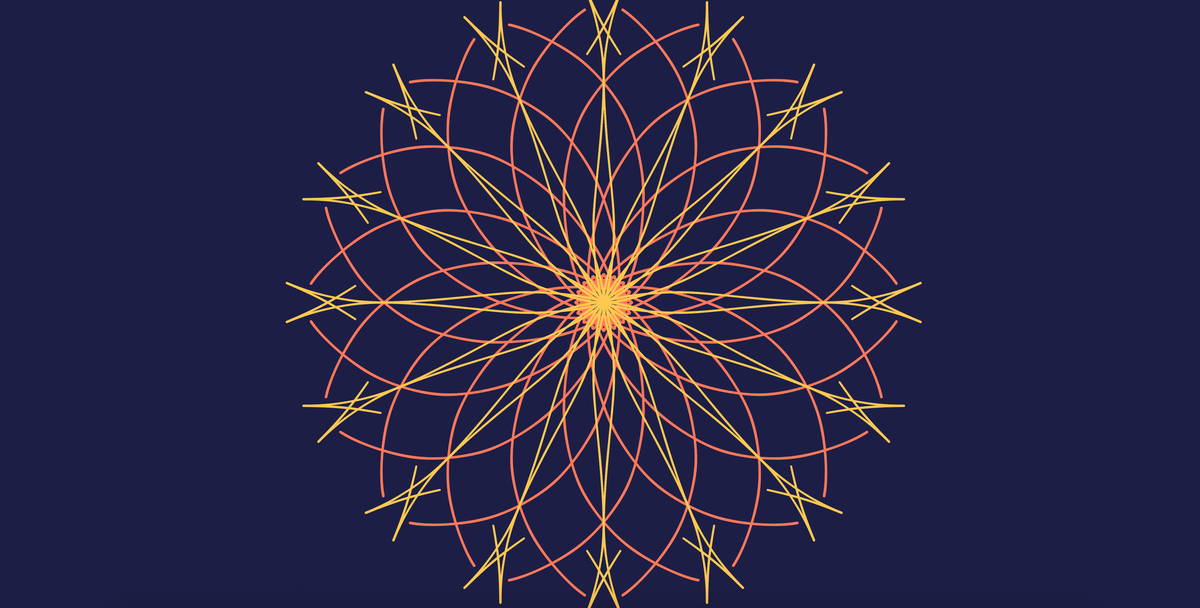
Today we're finishing the series with three big ideas:
- Tempo-driven motion — auto-draw strokes on
Cand digit keys that move with a BPM clock, including pauses and subdivisions. - Web MIDI — connect a drum pad or keyboard and every note spawns its own wandering voice into the mandala.
- Two MIDI modes — Auto-draw maps pitch to color and spawn radius, while Drums maps General MIDI drum families to fixed rings on the mandala.
This tutorial is perfect if you've followed parts 1 and 2, or you're comfortable with createGraphics() and want to explore browser MIDI in visual art.
By the end of this article, you will:
- drive auto-draw lines from a tempo clock with beat phases, pauses, and subdivisions
- connect hardware through the Web MIDI API with
navigator.requestMIDIAccess() - simulate drum hits from the QWERTY keyboard when no pad is plugged in
- spawn polyphonic MIDI voices that reuse the same auto-draw motion as keys
1–9 - switch between pitch-based and drum-family MIDI mapping
- keep MIDI logic separate in a
midiEnginemodule so the sketch stays readable
Let's play around with it here before we jump into the tutorial